VS Code Extension - Code Smarter
Instant JSON Validation and Transformation
Download from Marketplace View GitHub RepositoryInstallation
Install the JSONForge VS Code extension for inline validation, formatting, and schema suggestions directly in the editor.
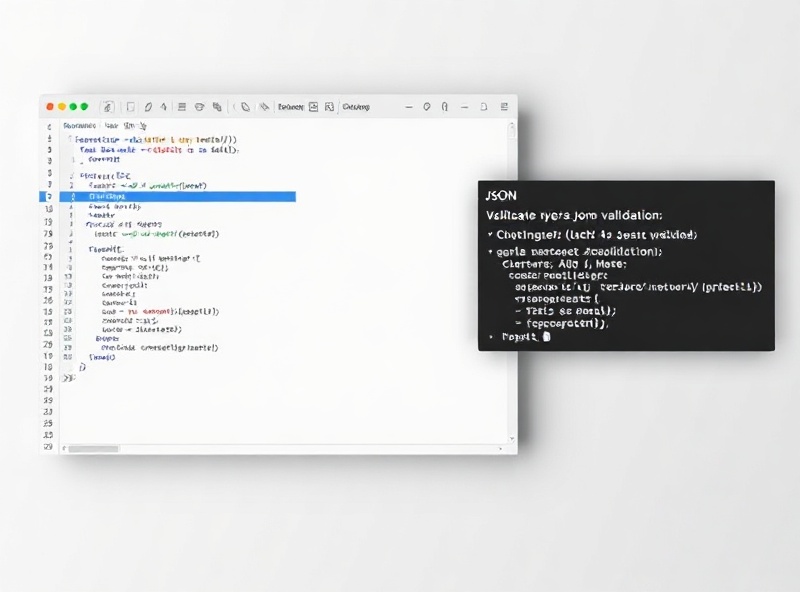
Search for `jsonforge-vscode` in the Extensions view, or run `ext install jsonforge.vscode-extension` in the Command Palette. The package requires VS Code v1.85+ and leverages a native Rust binary for sub-millisecond parsing. Initial setup completes in under 4 seconds, and the language server automatically attaches to any `.json`, `.geojson`, or `.jsonc` file in your workspace.
Features
Real-time Schema Validation
Cross-check payloads against Draft 2020-12 schemas without leaving your workspace. Catches type mismatches, enum violations, and missing required fields before you commit.
Context-Aware Formatting
Preserves custom indentation and sorts keys alphabetically or by schema definition. Handles 500KB+ payloads in under 12ms using our optimized AST builder.
Inline Transformation Snippets
Convert JSON to YAML, TypeScript interfaces, or Go structs with `Ctrl+Shift+P`. Generates accurate type mappings and preserves nullable fields using `json2ts` v4.1 compatibility rules.
Settings
Fine-tune the extension behavior to match your team's coding standards and CI/CD pipelines.
Schema Cache Duration
Default: 30 minutes. Adjust how long remote `$ref` schemas are cached locally to reduce network calls during large monorepo builds.
Auto-Format on Save
Toggle `jsonforge.formatOnSave` to automatically restructure files according to your workspace `.jsonforgerc` rules before stage/commit.
Severity Overrides
Map specific JSON Schema violations to warnings or errors. Configure `jsonforge.lintSeverity` to silence optional field warnings in legacy configs.
All configuration values sync automatically with `.vscode/settings.json` and support workspace-level overrides. View the full configuration schema in the JSONForge documentation hub.